Hobbyist
$0forever
No card, no time limit.
For a household with a few animals, or a first litter.
- Unlimited animals and litters
- Pedigree charts with Wright's COI
- Heat cycles, litters and whelping dates
For dog breeders
Kennel, litter, whelping. The vocabulary every dog breeder already uses.
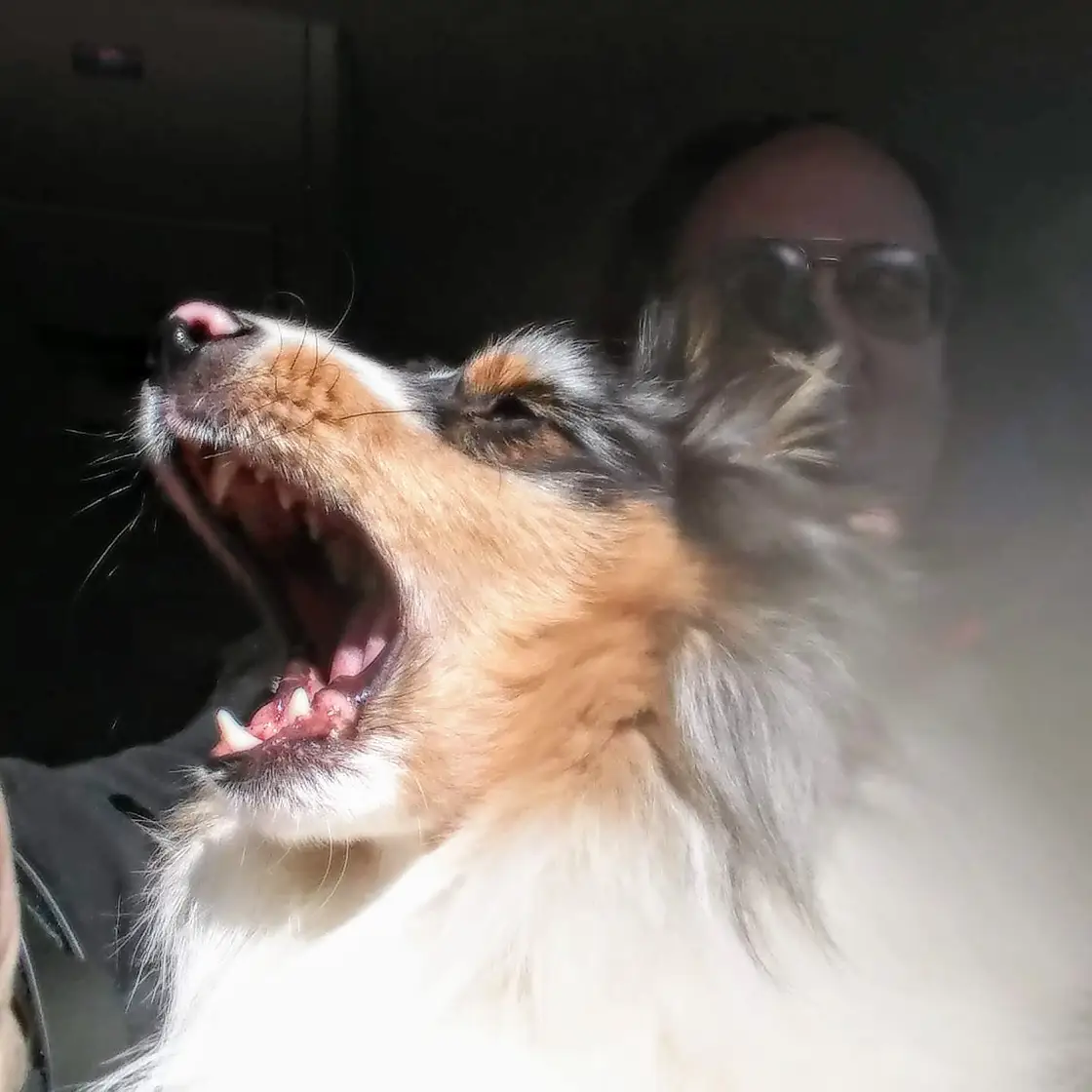
The name on the door, the labels on every screen, the registries it asks for and the vaccines it reminds you about, the way dog breeders say them. The same terms the app uses on screen.
What it keeps track of
KennelKeeper replaces the spreadsheet, the folder of paper and the two other programs. It is built for the whole life of an animal, from the heat that produced it to the buyer who took it home.
Step 1
Log a heat and see the day she is on and her fertile window, then work out the due date from the mating.


The reproduction screen showing three cycles and litters in progress and summary counts for active cycles, expecting dams, total offspring and breeding stock.
Step 2
Pedigree charts with Wright's coefficient of inbreeding, worked out from your own records, and a test-mating tool that looks five generations behind the pairing you are weighing up.
A sample pairing, made-up dogs
Sire
Ch.Holloway's Iron Compass
Dam
Ch.Ashford's Pale Lantern
Step 3
Record each litter, how many were born and how many survived, and who is waiting on it. Each puppy can then have a record of its own, weights and all.


The KennelKeeper home screen: two overdue vaccines, a whelping due in eleven days, two animals in heat with the day of the cycle, and buttons to add an animal, a health entry, a cycle or an expense.
Step 4
Vaccinations, medications, lab results and weights per animal. Anything coming due in the next 30 days is flagged on your home screen.


The health center for one animal, with tabs for vaccines, cycles, labs and DNA, procedures and weight, and a vaccination history listing a rabies shot with its lot number.
Step 5
On the Breeder plan: a waitlist from first enquiry to going home, deposits logged as income as they arrive, and income and expenses tagged to the animal or litter they belong to.
Step 6
Print a pedigree on any plan or save it as a PDF on Breeder, and export an animal with its ancestors as a Heritage Passport file that KennelKeeper reads back in.
KennelKeeper labels registration numbers for AKC / UKC, and the registry number sits on every animal's card. Registration certificates can be photographed and read in by the scanner.
KennelKeeper names DHLPP and Bordetella, and every vaccination you log keeps its due date, with a reminder when it comes due.
Yes. All three species can live in one registry, and the filters know the difference. Choose the species in Settings, and change it at any time.
No tier counts your animals or your litters, and every tier exports.
Yearly saves $47.89 on Breeder and $77.89 on Signature.
$0forever
No card, no time limit.
For a household with a few animals, or a first litter.
$23.99a month
or $239.99 a year
For an active program that has outgrown spreadsheets.
$38.99a month
or $389.99 a year
For a program that publishes to its own website.